

STEP 1: Click on the Internet Access icon in the tray near the clock.

STEP 2: Choose EduStar and the click connect.
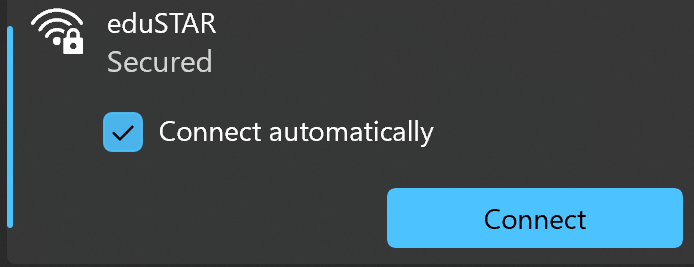
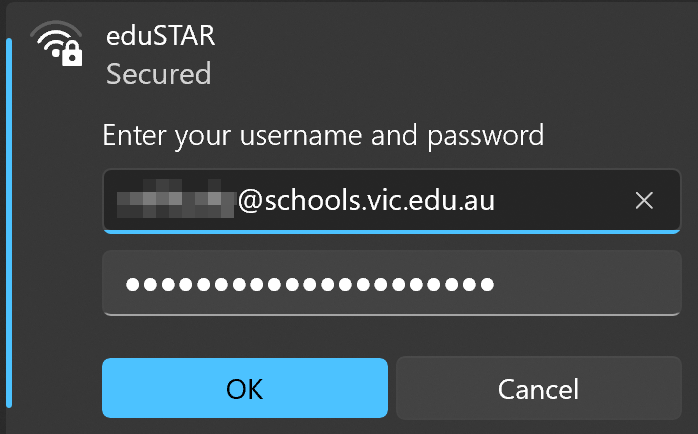
STEP 3: Log in using your EduPass credentials.
STEP 4: Click Start (Window) icon.

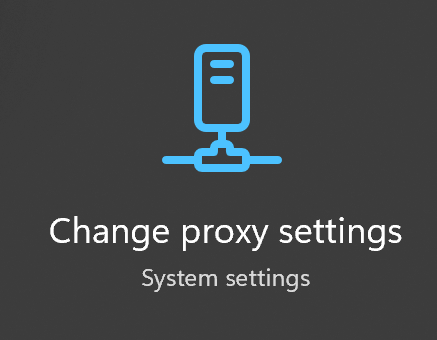
STEP 5: Type Proxy and click Change proxy settings.
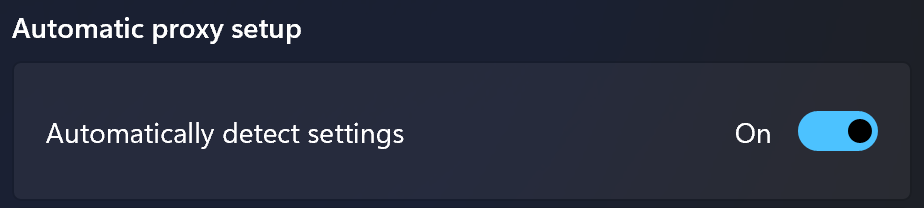
STEP 6: Turn On Automatically detect settings
STEP 7: Check if you are ONLINE by go to cnn.com